Self Referral Form

 Help with completing your referral form
The referral form is provided in PDF format and contains editable fields, allowing you to type information and select tick boxes electronically.
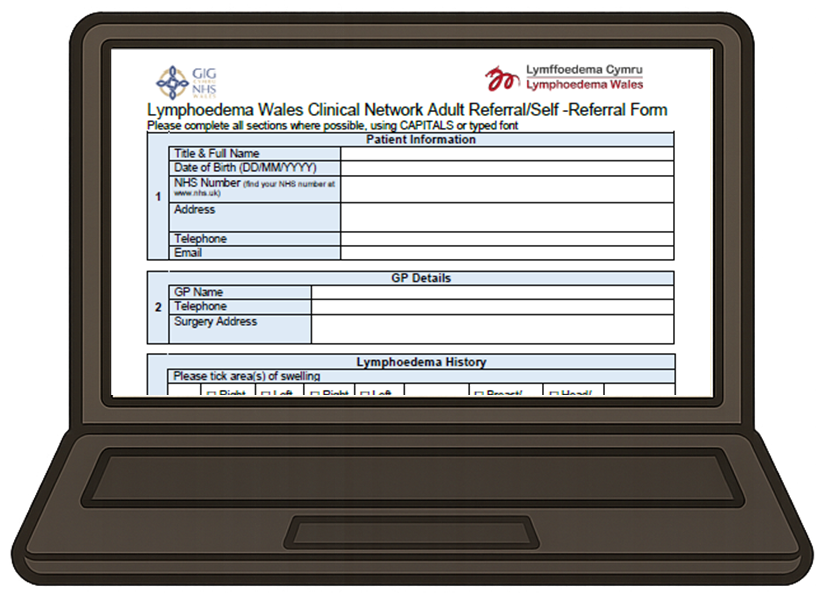 Desktop computers or Laptops
Please save a copy of the form to your device before completing it. Close and reopen the file from its saved location, then open it in Adobe Acrobat Reader, as some features are not supported in web browsers.
To complete the form, you may first need to enable Form Filling mode in your PDF viewer.
If you are using a desktop computer or laptop with Adobe Acrobat installed, you should see a button on the toolbar labelled "Fill in form fields" (highlighted in blue below).
Select this option to activate the editable fields and begin completing the form.

 Mobile Devices
If you are using a mobile device, please save a copy of the form to your device before completing it.
You may need to enable Form Filling mode to enter information into the form.
To do this, tap the three dots menu and select "Form Filling". Once enabled, you will be able to complete the form on your device.
 Where do I send my form?
Adult referrals:
Once you have completed the form, please refer to page 2 for details of where to send it. Your completed form should be sent to your Local Lymphoedema Service Headquarters.
You can submit the form by email using the addresses provided, or alternatively print and return it by post.
Once your referral has been received it will be assessed by your local lymphoedema service. They will either contact you by telephone or letter.
Children & Young People Referrals:
Your completed form should be sent to Lymphoedema Wales Clinical Network by email to: LymphoedemaNetworkWales@wales.nhs.uk
Once we've received your referral, we'll be in touch to arrange an appointment at the clinic closest to you.
Please note: The addresses listed are the headquarters of each Lymphoedema Service. Appointments are offered at a range of clinic locations across the local area. Your local service will make every effort to arrange your appointment at the clinic closest to your home, subject to availability.
Our Lymphoedema Wales self referral forms are available to download by clicking the links below: