Help With Online Assessments

 Patient Portal
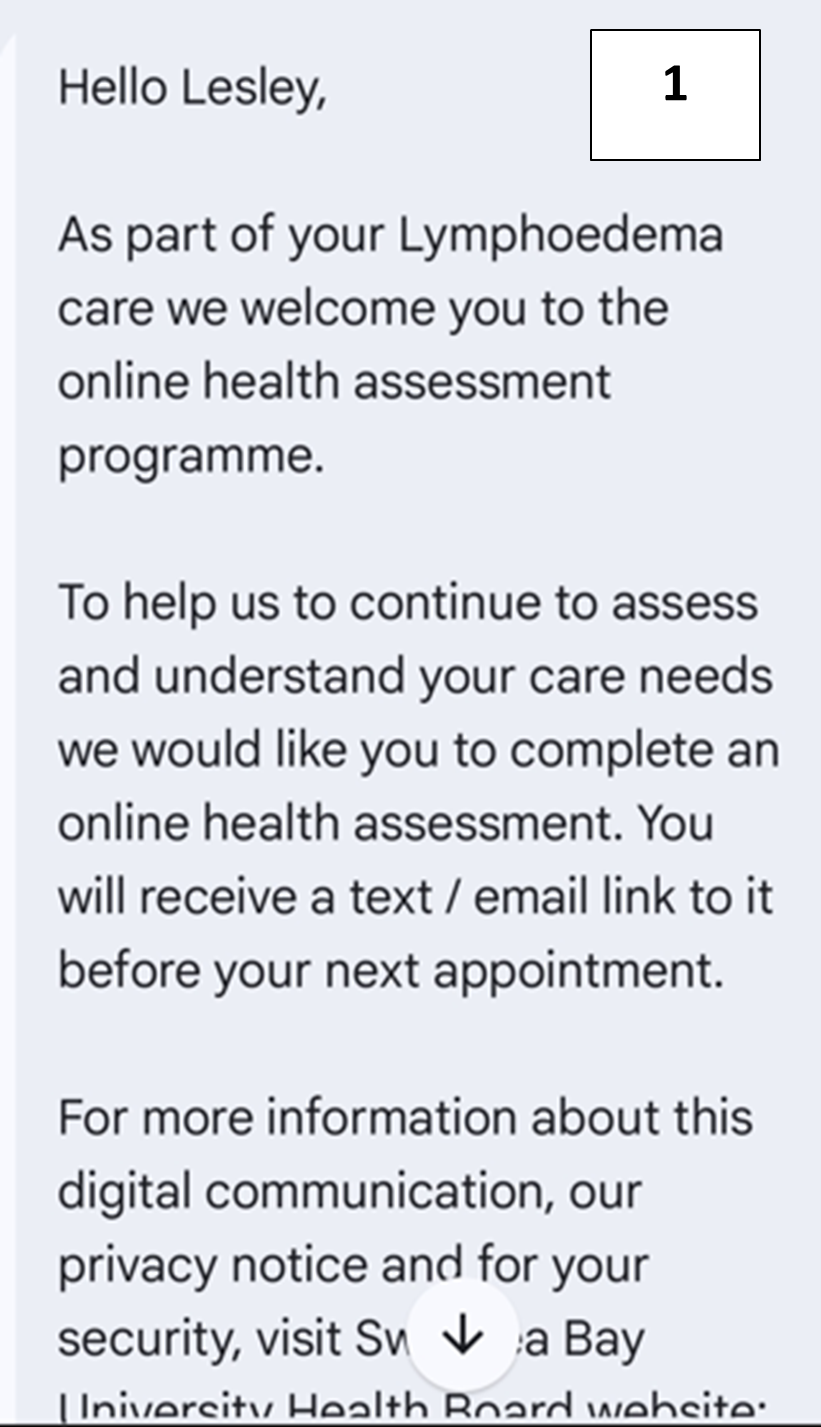
Promptly is used by patients to complete or continue questionnaires. Patients will receive a message welcoming them to the Promptly Patient Portal (Picture 1).
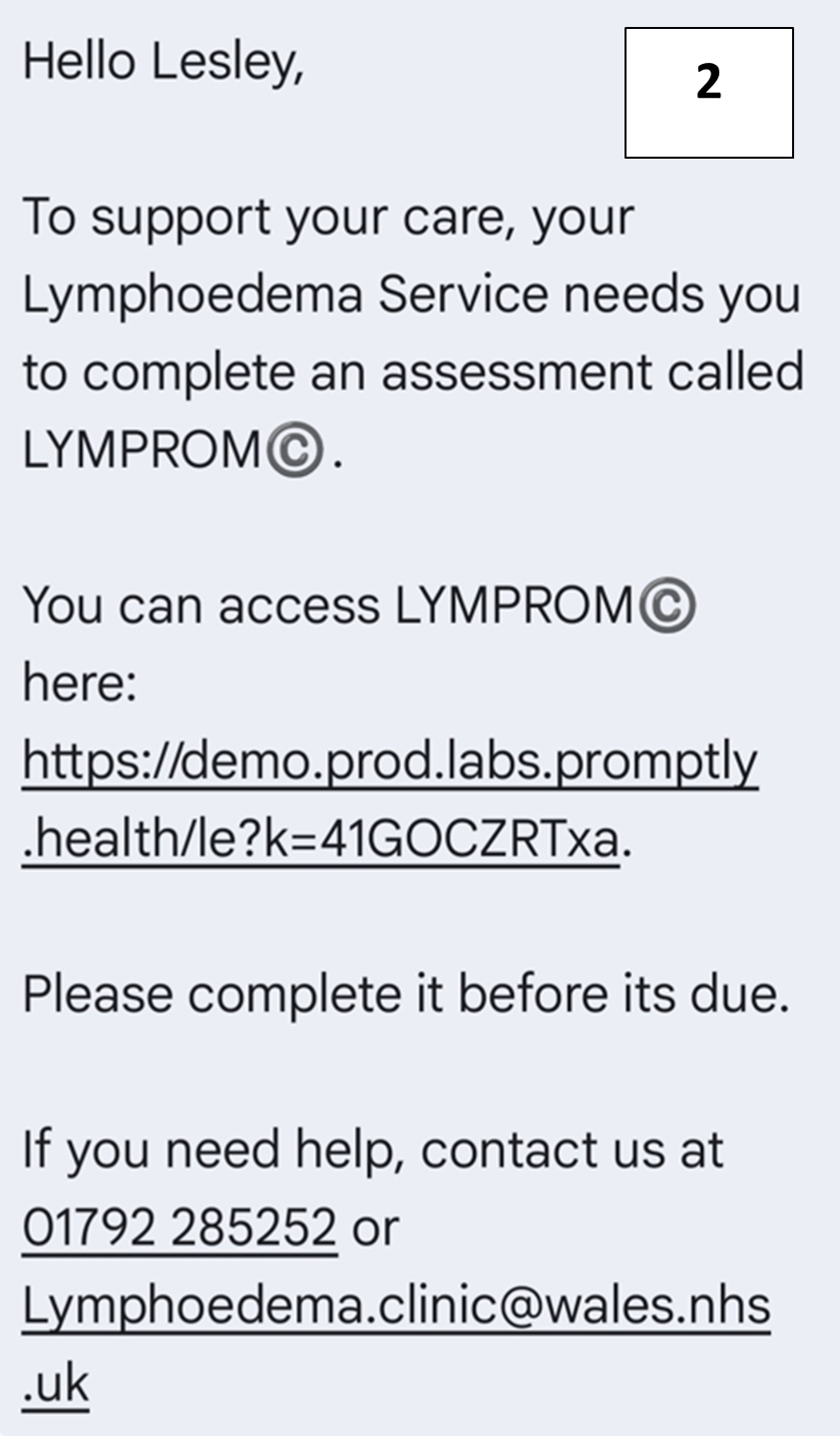
After the welcome message and 2 weeks prior to their Lymphoedema appointment patients will receive a notification by email and/or text message containing a link to the available questionnaire (Picture 2).
If the questionnaire is not started a reinforcement message is sent the following day containing the link.
 How the Questionnaires Work
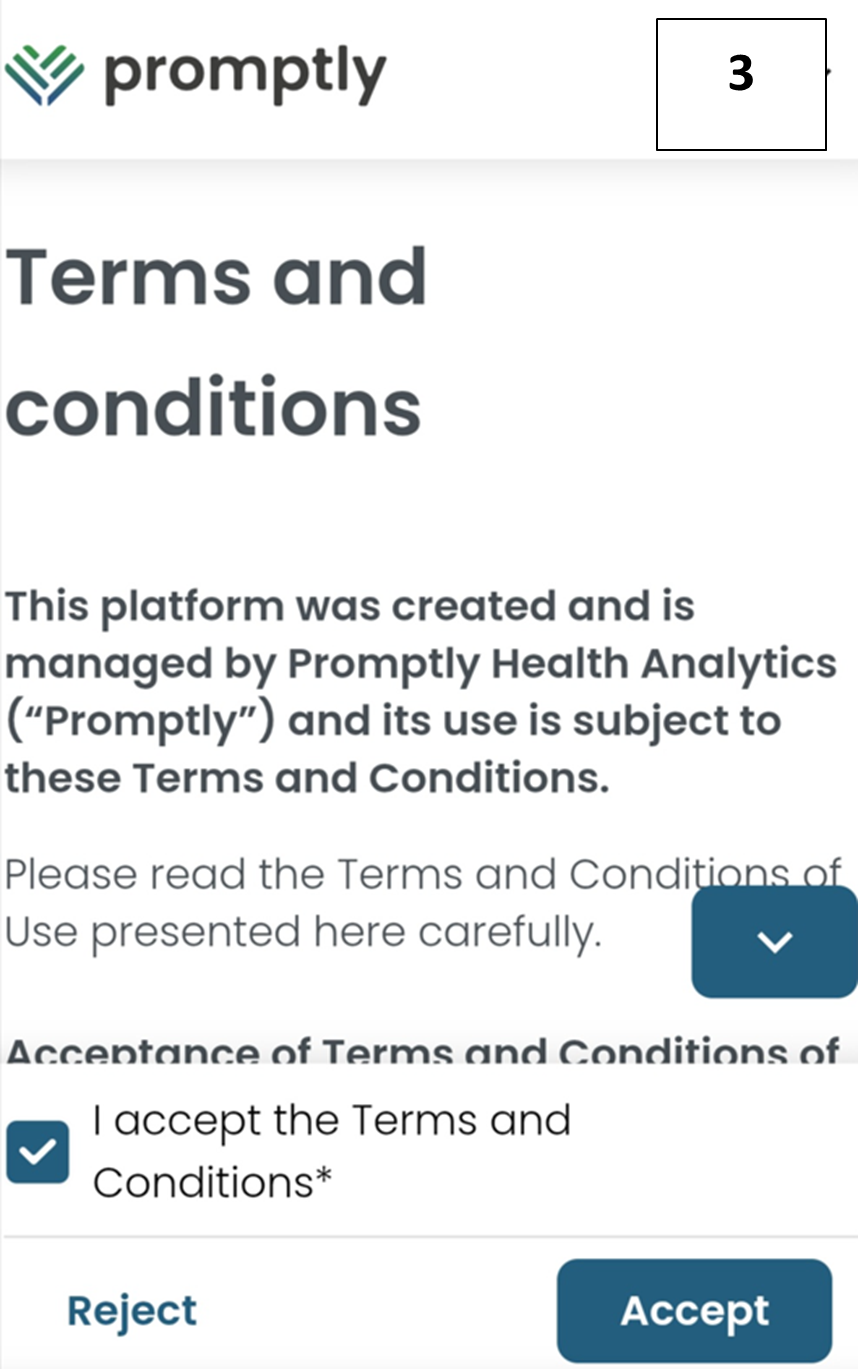
The questionnaire is opened by clicking the link in the message. You must accept the Terms and conditions (Picture 3) then the questionnaire will open.
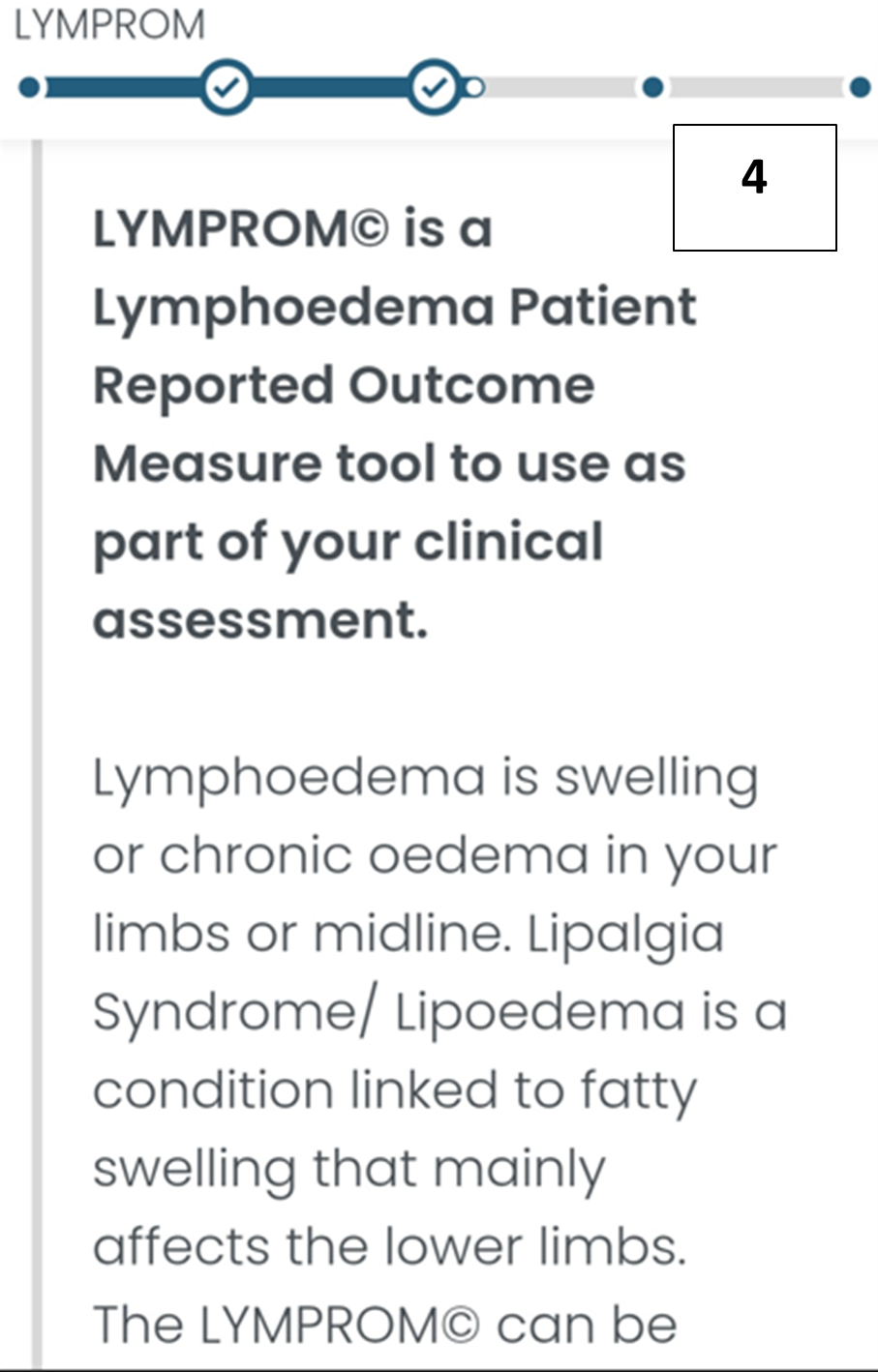
The questionnaire you are answering will appear at top near a progress bar (Picture 4). The progress bar will update according to the question you are on in the questionnaire.
When you have answered all the questions you click Submit to finish the questionnaire.
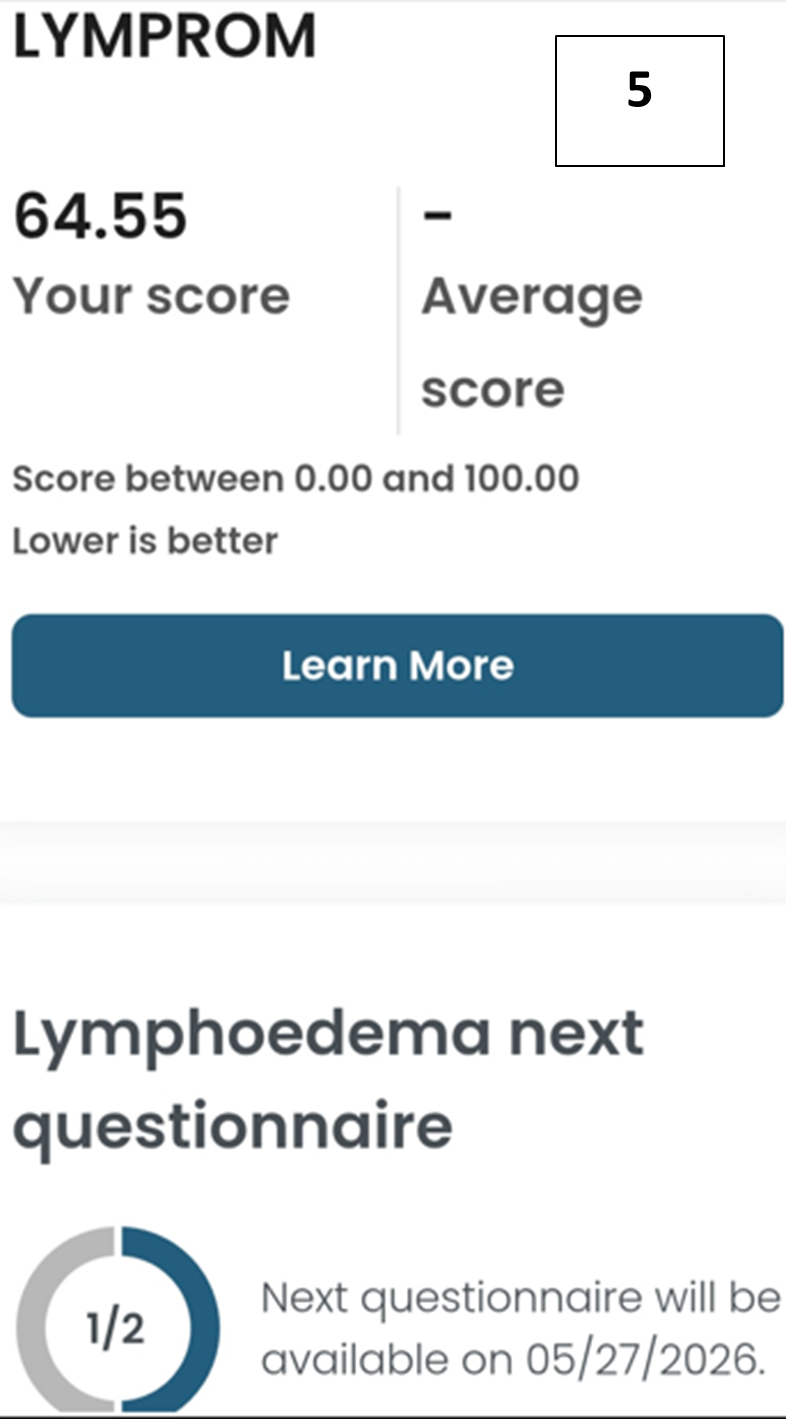
You can change any of the answers to the questions prior to clicking submit but not afterwards. Upon finishing all the questionnaires a summary is displayed (Picture 5).